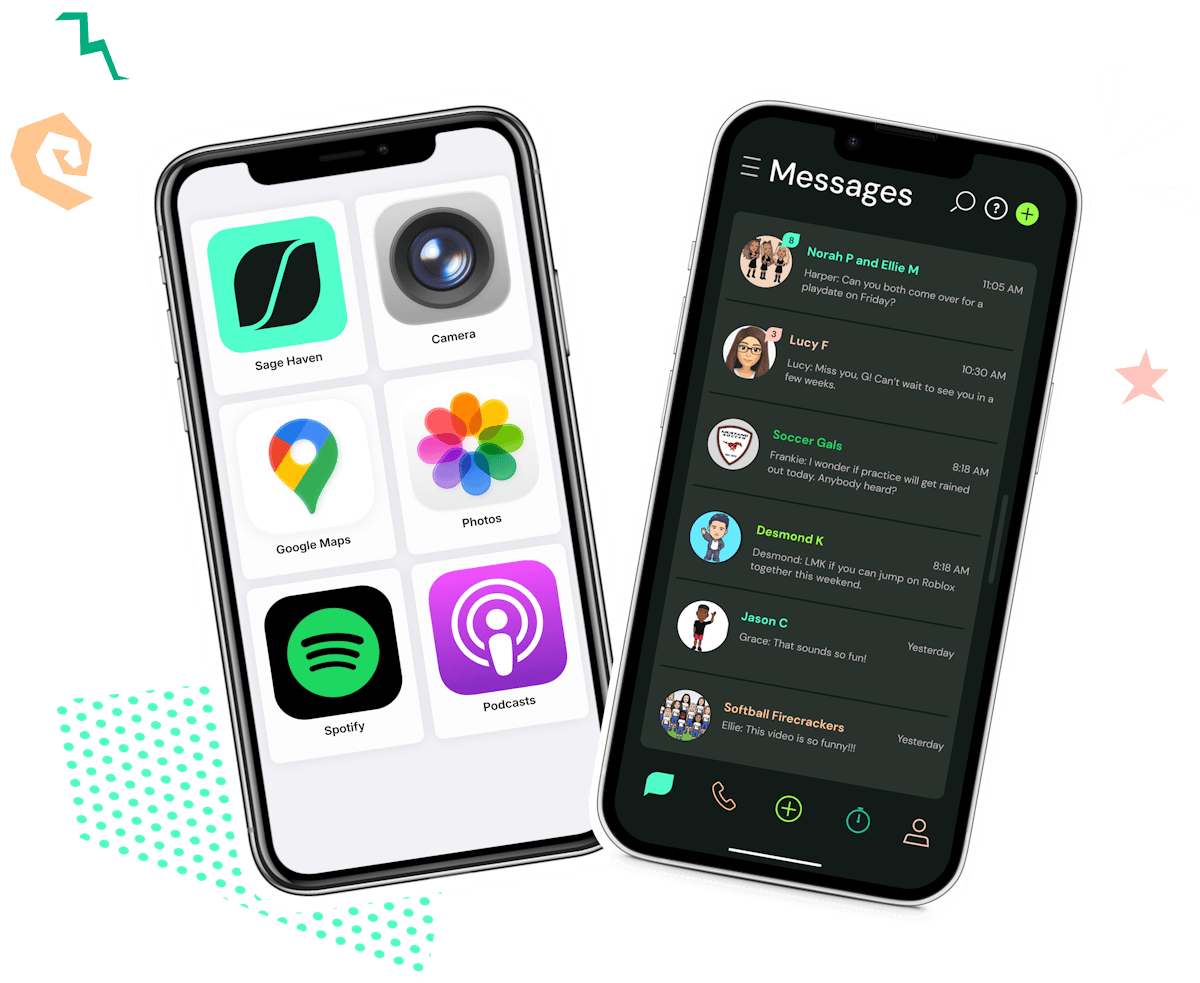
Say yes to their first iPhone
Safe, simplified iPhones start here. Hand-pick your kids' apps, approve who they talk to, and stay in control by text.
Get the AppHow it works
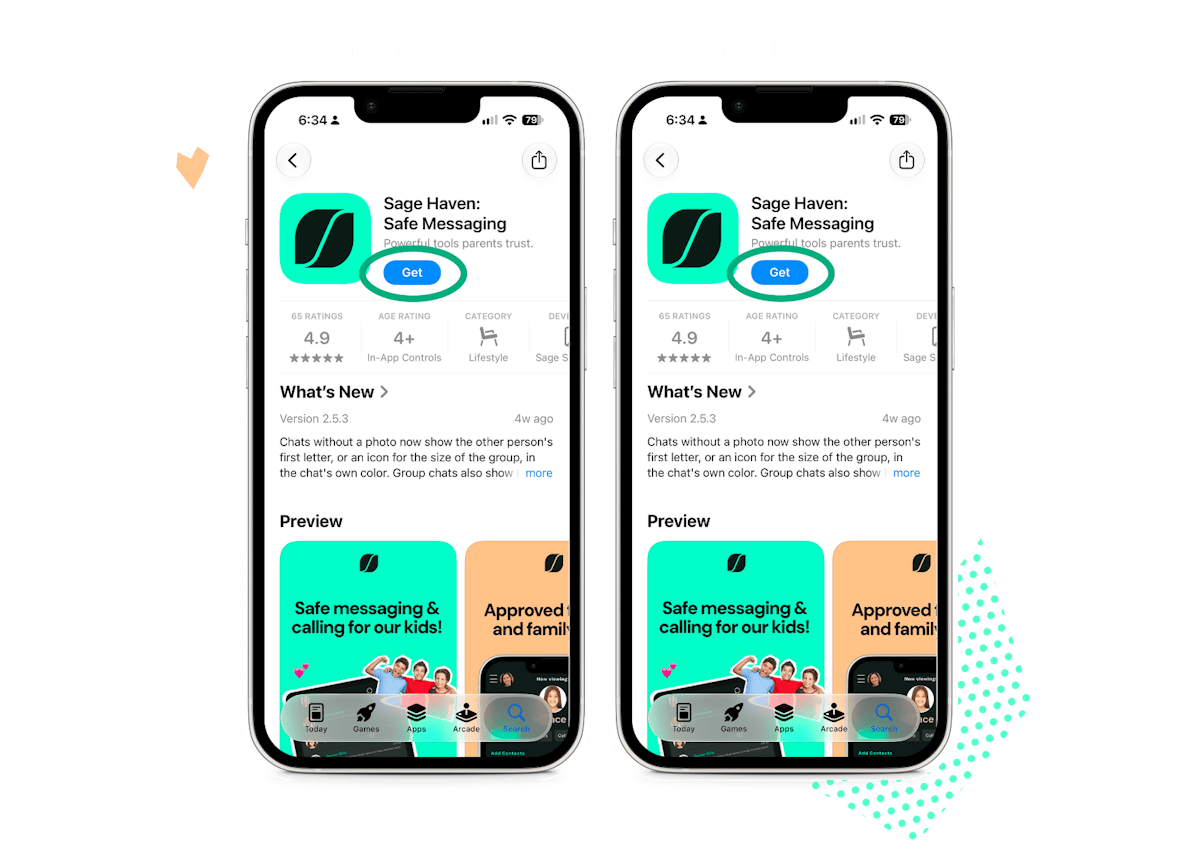
STEP 1
Download Sage Haven
Get the app on both your phone and your kid’s iPhone.
STEP 2
Choose what you need
Choose safe calling and/or messaging, simplified apps, or effortless parental controls. They can be used independently or altogether!
STEP 3
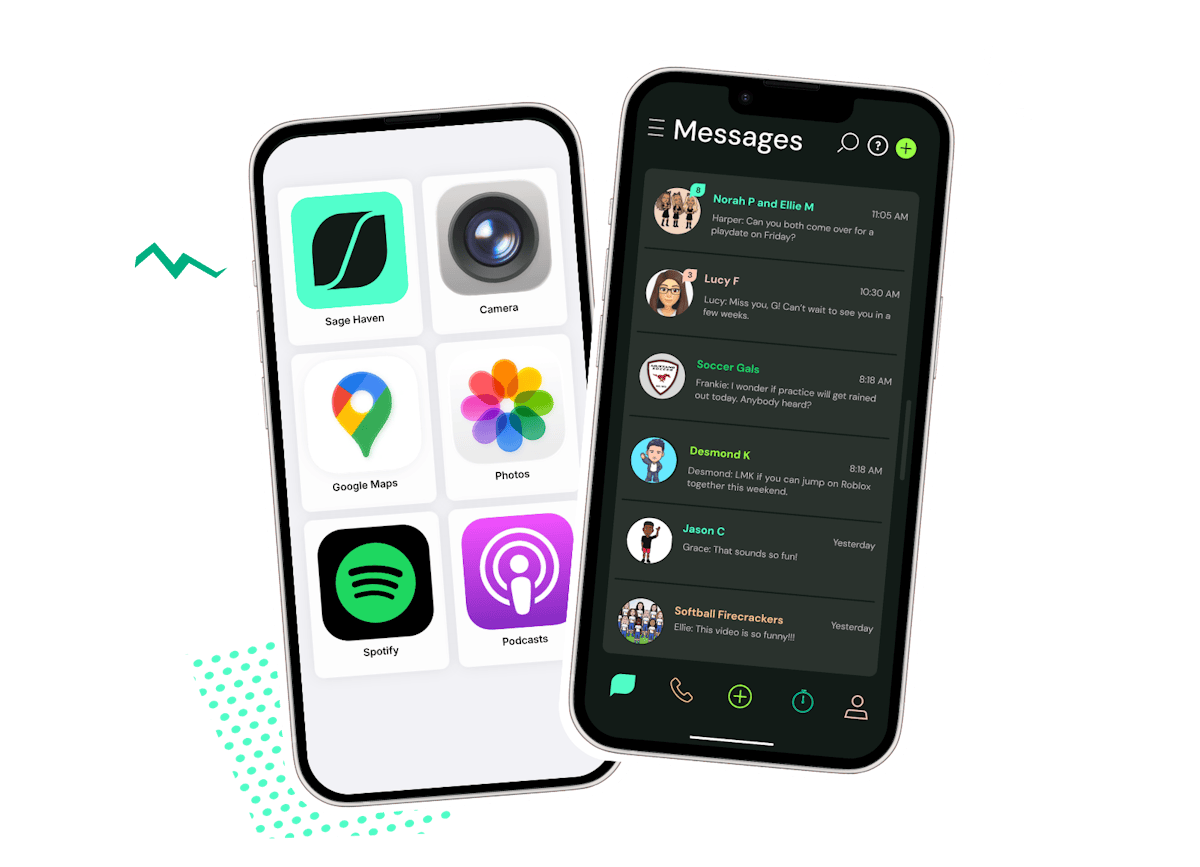
Kids use their iPhone
Kids see only what you allow: calls and messages with approved contacts, a screen-time countdown and the apps you’ve picked.
STEP 4
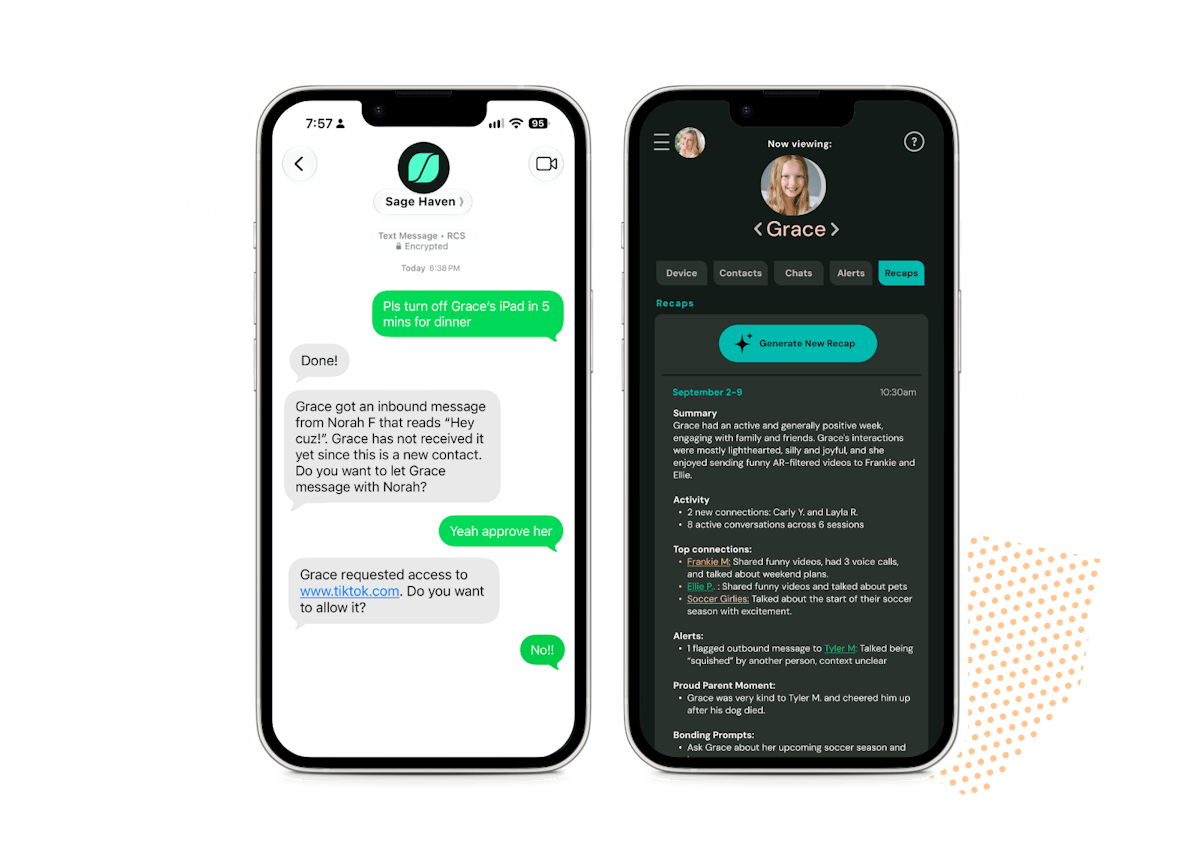
Manage by text
Text Sage Haven to change screen time, apps, contacts and more. You can also see everything in your Parent Hub.
The iPhone they love, with the peace of mind you deserve!
Get the AppFAQs
About
Sage Haven is an app that transforms your kid’s existing screens into calm, safe havens. It includes:
Safe calling and messaging powered by cutting-edge safety tech
Simplified experiences with just the apps you want
Effortless parental controls
We believe technology can be amazing for kids, full of connection, joy and learning. We built Sage Haven so parents can feel great about letting their kid communicate with trusted family and friends without the bullies, strangers, and addiction!
Sage Haven is a monthly subscription starting at $4.99/month/family. It's an ad-free experience that doesn't make more money through "engagement" or addictive design features. We feel this is a small price to pay for peace of mind and safety for your family. You can also rest assured that we will never sell or share your data.
Sage Haven works on iOS devices like iPads, Apple Watches and iPhones and most Android devices! We'll be adding support for additional devices in the future so join the mailing list for updates!
How it works
Download the Sage Haven app to your phone and follow the instructions to set up your kid. Then download the Sage Haven app on your kid's iPhone.
Safe calling and messaging
Your kid gets their own Sage Haven phone number. It works like any other number, so they can call and text friends who use iMessage, Google Messages and other popular apps. You approve every contact. If someone you haven’t approved calls or texts, it comes to you as a request.
AI designed to stop harm before it’s sent
Our AI screens every message, photo, video and link, and is designed to block harmful content before it’s even sent. It also nudges kids toward kindness and good habits. If something needs your attention, you’re alerted right away.
No - your kid does not need a wireless plan. Your kid can message and voice call through the Sage Haven app using Wifi. Your kid will only need a wireless plan if they want to use the Sage Haven app outside of Wifi - through the wireless carrier's cellular network - which is typically needed if they use a smartwatch or smartphone.
If your kid already has a wireless number, they don't lose it but they won't use it for calling and messaging anymore. They will share their new Sage Haven number and use the Sage Haven app for messaging and calling. A wireless plan enables them to use Sage Haven app outside of Wifi - through the wireless carrier's cellular network.
As your kid grows, we’re building new features that give them more privacy and independence. And if they ever outgrow Sage Haven, they can take their number with them, so there’s no need to start over with a new one.
Sage Haven turns your kid’s existing iPhone into a calm, safe space with just the apps you choose making it the perfect solution for your kid's first phone.
After you create your kid’s account, tap Simplify Apps and we’ll walk you through each step. Then pick their experience:
Simple: big, easy icons with only the apps you choose.
Classic: their familiar home screen, minus the apps you don’t want.
Sage Haven makes parental controls effortless! Hand-pick your kids' apps, approve who they talk to, and stay in control by text. Sage Haven guides parents on how to set up parental controls on iPhone.
After you create your kid’s account, tap Effortless Parental Controls, and we’ll walk you through each step.
Once set up, managing your kid's iPhone is as easy as a text!
Safety & Privacy
Here's how Sage Haven keeps kids safer:
Only people you approve. Your kid can call and message only the contacts you’ve approved. No strangers, no spam.
Harmful content stopped before it’s sent. Our AI screens every message, photo, video and link for bullying, inappropriate content and risky behavior. It also helps kids rethink their words before they hit send.
As involved as you want to be. Read every conversation, or stay high-level with alerts when something needs your attention and weekly recaps.
Just the apps you choose. Simplified apps keep their iPhone focused and free from endless scrolling.
Screen time they can see. A kid-friendly countdown shows how much time is left, so there are fewer battles when it runs out.
Controls by text. Text Sage Haven to add time, approve a contact or change apps right from your phone.
Only contacts you approve. Your kid gets a Sage Haven phone number, so they can call and text approved contacts now matter what app others use, and join group chats with friends on iMessage or Google Messages.
Your kid can ask to add a new contact right in the app. You get the request and decide whether to approve it. If someone you haven’t approved tries to reach them, that comes to you as a request too.
Other families don’t need Sage Haven for any of this to work. Your kid gets the full protection either way.
Safety and privacy of personal information are top priorities for us. Kids are not searchable on the platform, and we collect the least amount of information needed for a good user experience. We use best practices to keep the limited data we do store safe. We do not run ads or sell your personal information. We make it easy to delete your account and data history. We conduct Parent Verification on every parent through a payment card to ensure kids aren't setting up fake accounts and to ensure we are COPPA compliant.