Effortless Parental Controls
Text Sage Haven to manage screen time, apps, contacts, and more, or see it all in one simple hub.
Get the App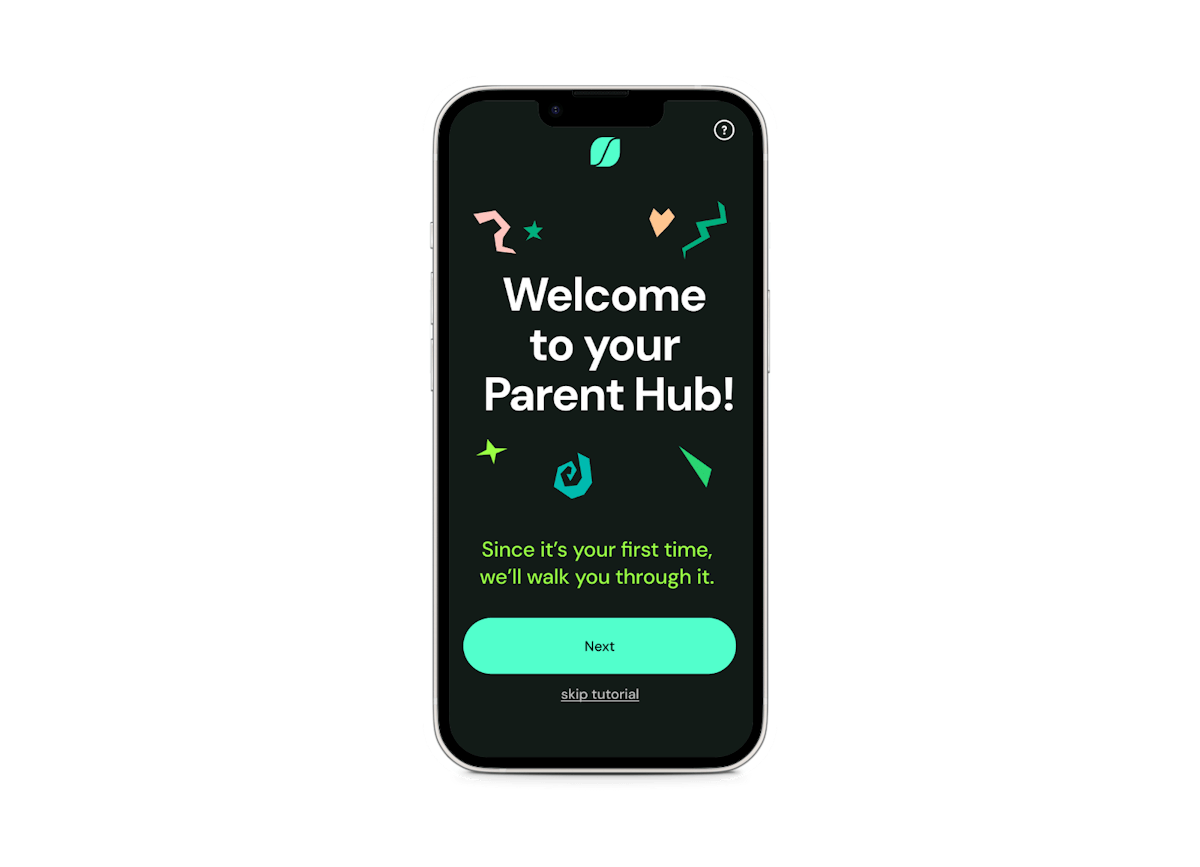
STEP 1
Connect Sage Haven
Give Sage Haven access to Screen Time and permission to message you. It takes about a minute.
STEP 2
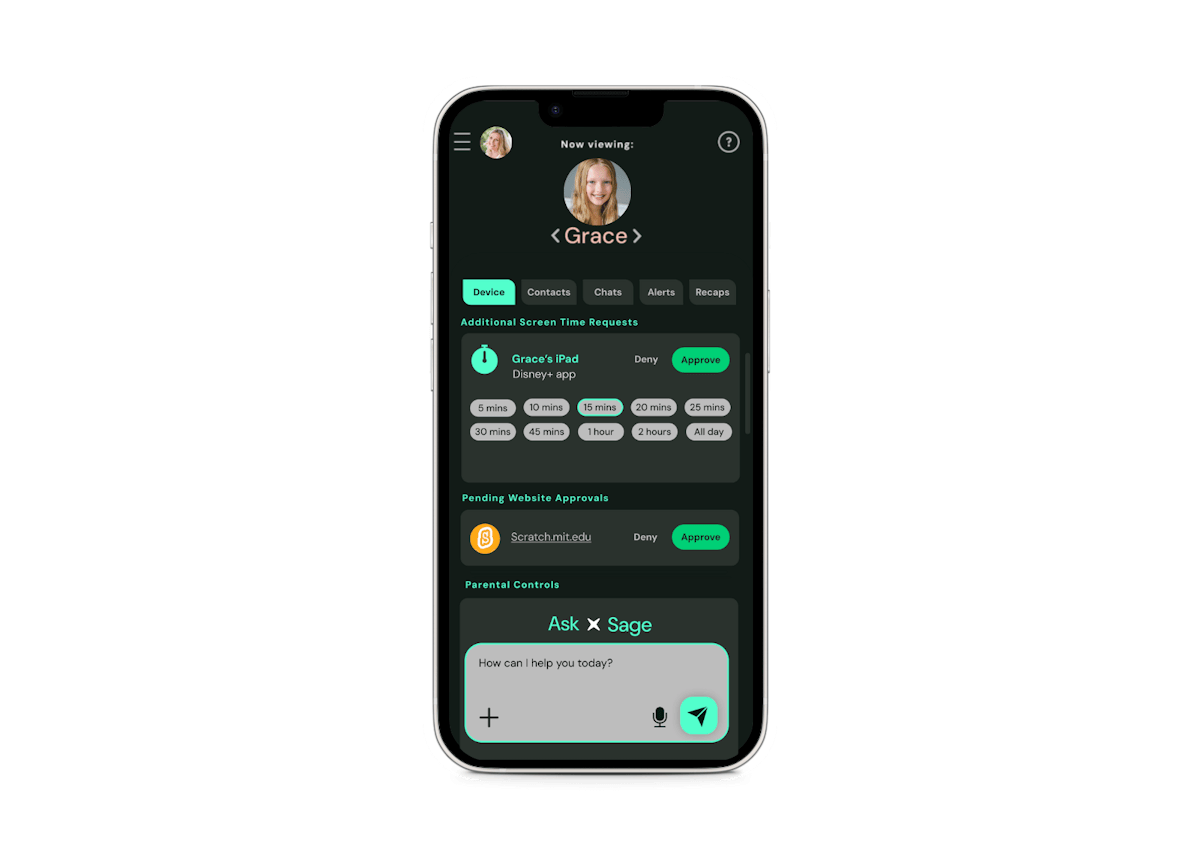
Select what's allowed
Allow only the websites and apps you approve, or turn off internet and App Store access entirely.
STEP 3
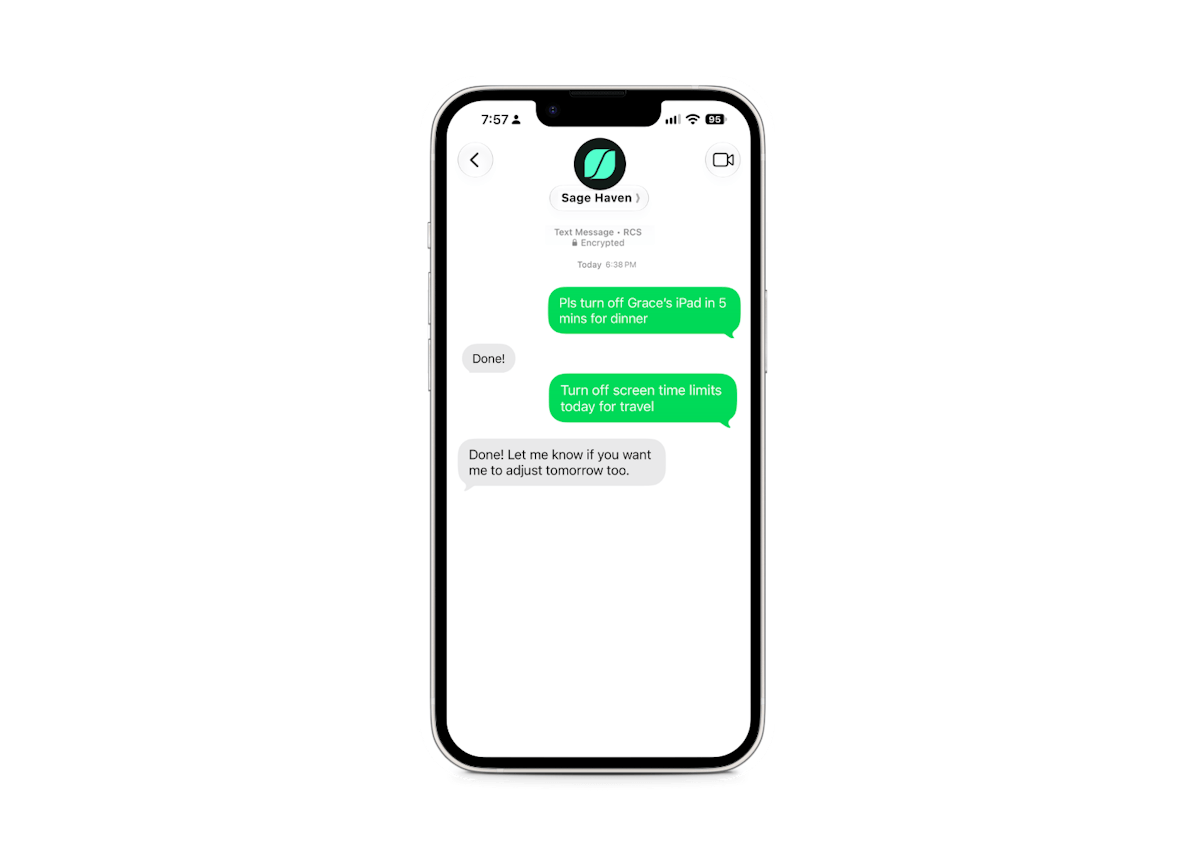
Text to manage
Block apps, add time, or approve requests, all with a quick text.
STEP 4
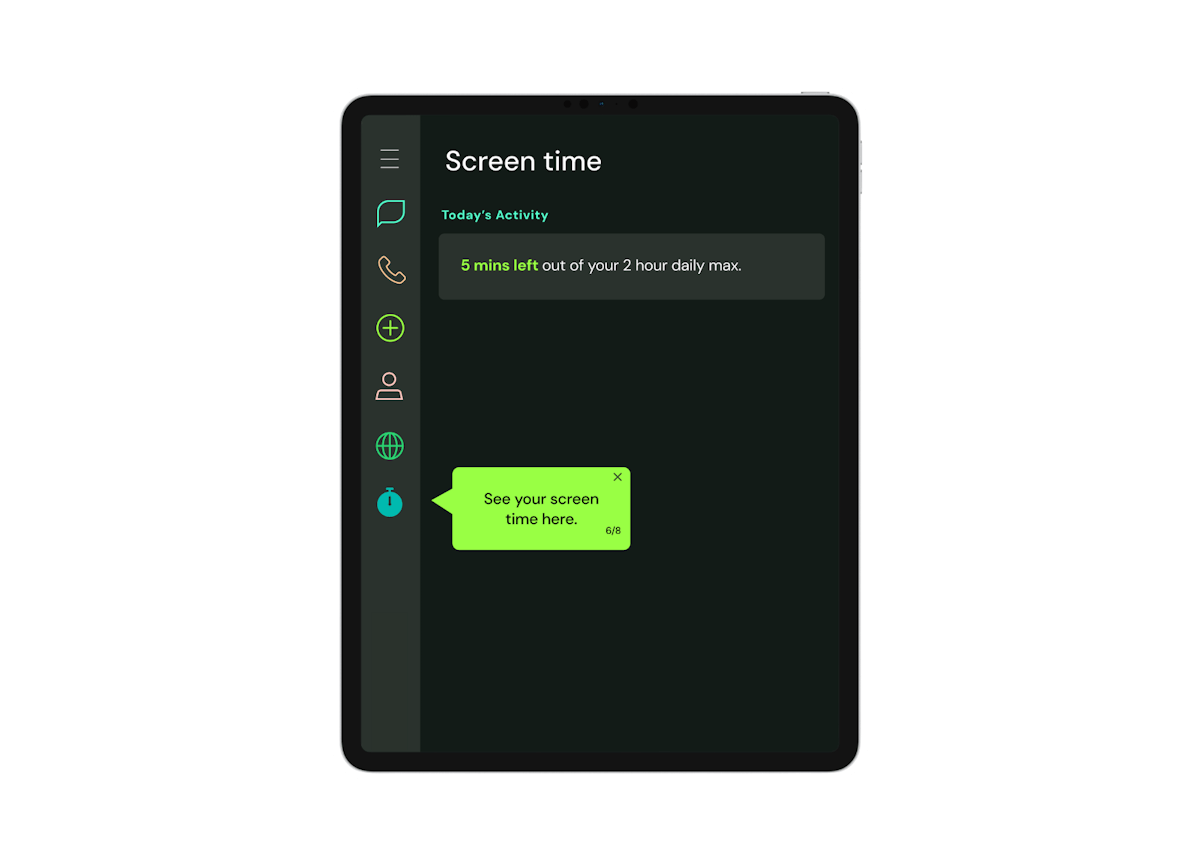
Kids see their time left
A countdown keeps them in the loop, so “time’s up” never comes as a surprise.