
Safe messaging & calling
Communication that grows with them from voice calling to safe group chats, all powered by cutting-edge safety tech!
Get the App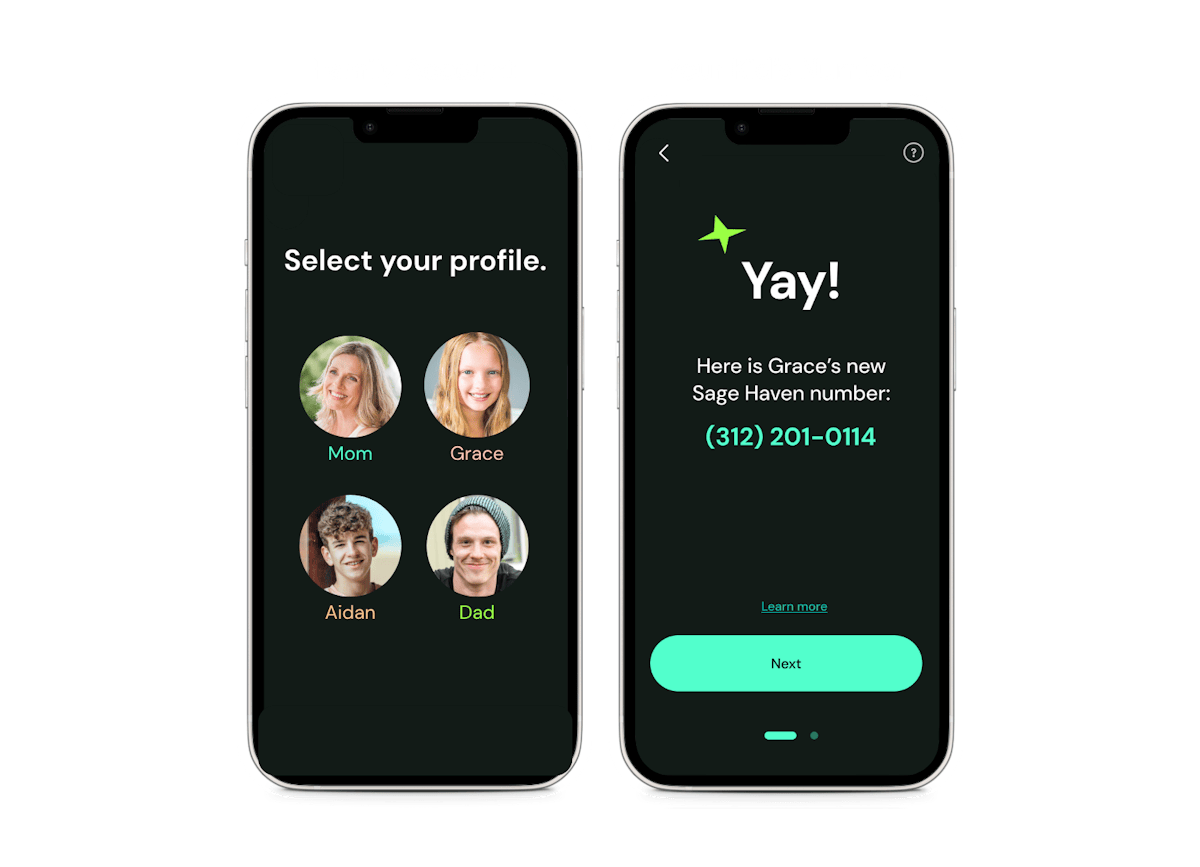
STEP 1
Set up your Family
Download Sage Haven on your phone and create your kid’s account. Then install it on their device. Kids can message and call in Sage Haven, and you can manage everything by text or in the Parent Hub.
STEP 2
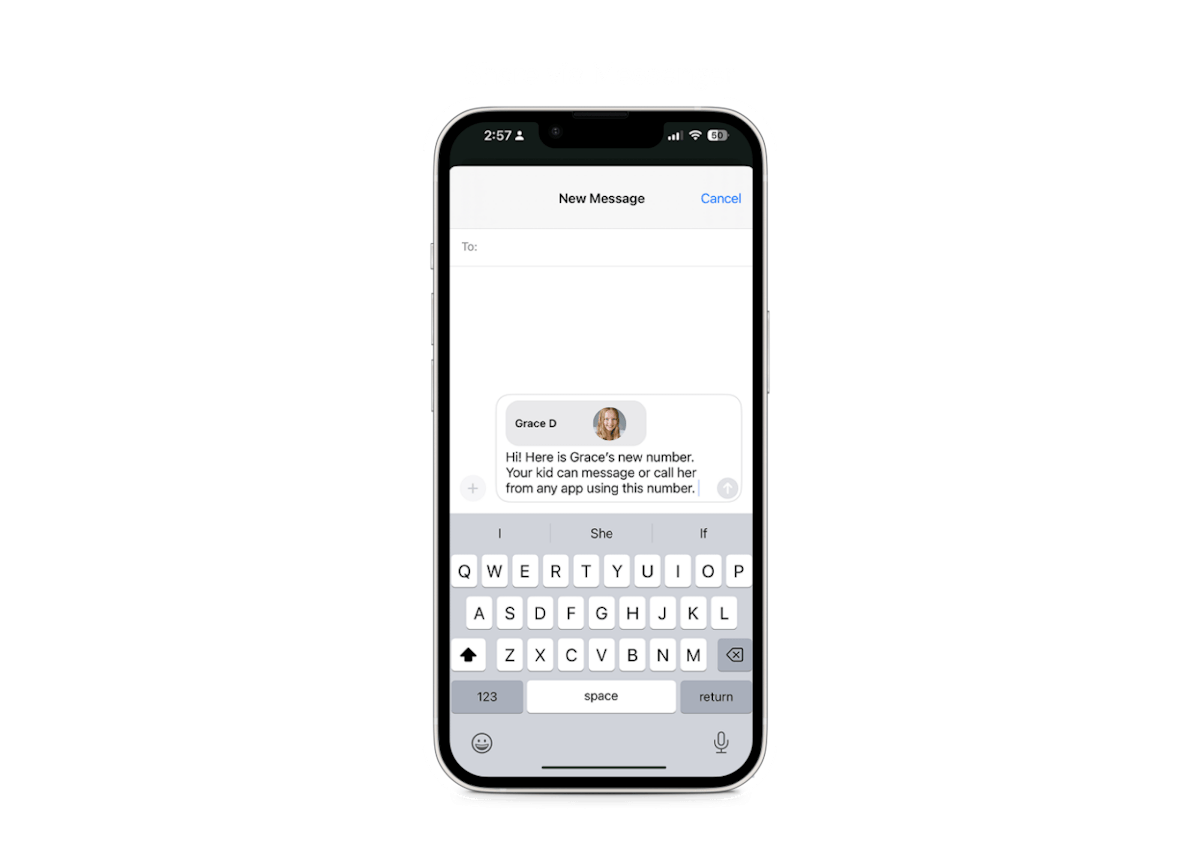
Share your kid's new Sage Haven number
Each kid gets a free Sage Haven number that works like any phone number, so they can message and call anyone, no matter what app friends use.
STEP 3
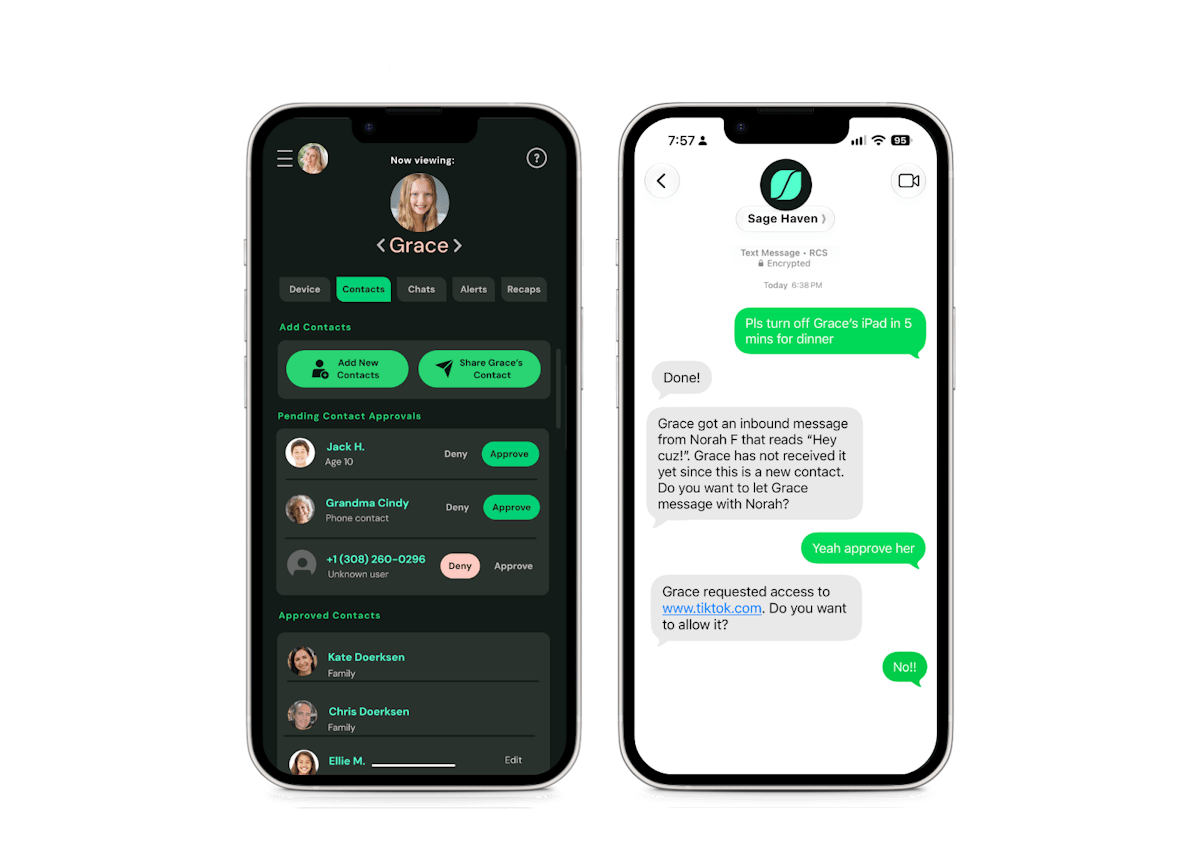
Approve contacts
Kids only talk to friends and family you trust. No spam, no scammers, and an easy start to messaging and calling.
STEP 4
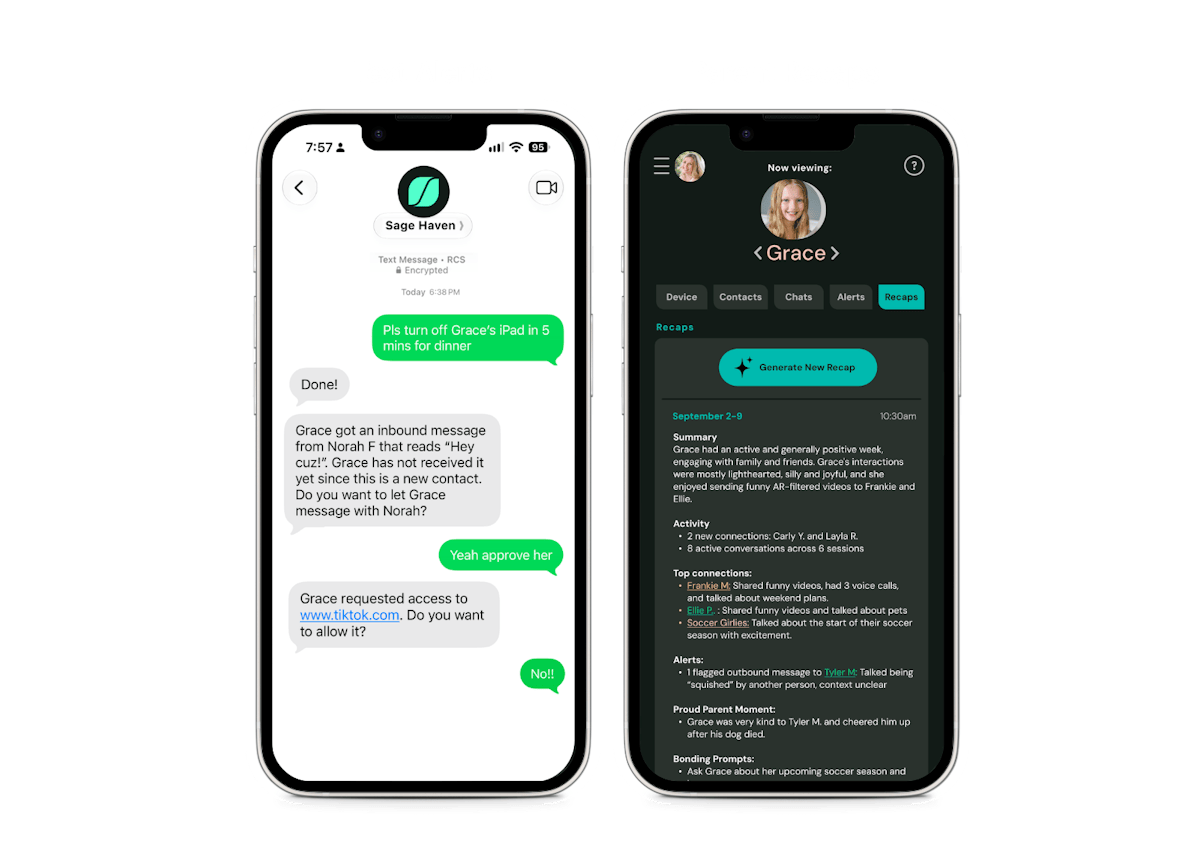
Stay in the loop
Designed to block harmful messages and images before they’re sent and get alerts and weekly recaps on your phone. No more grabbing their device to spot-check.