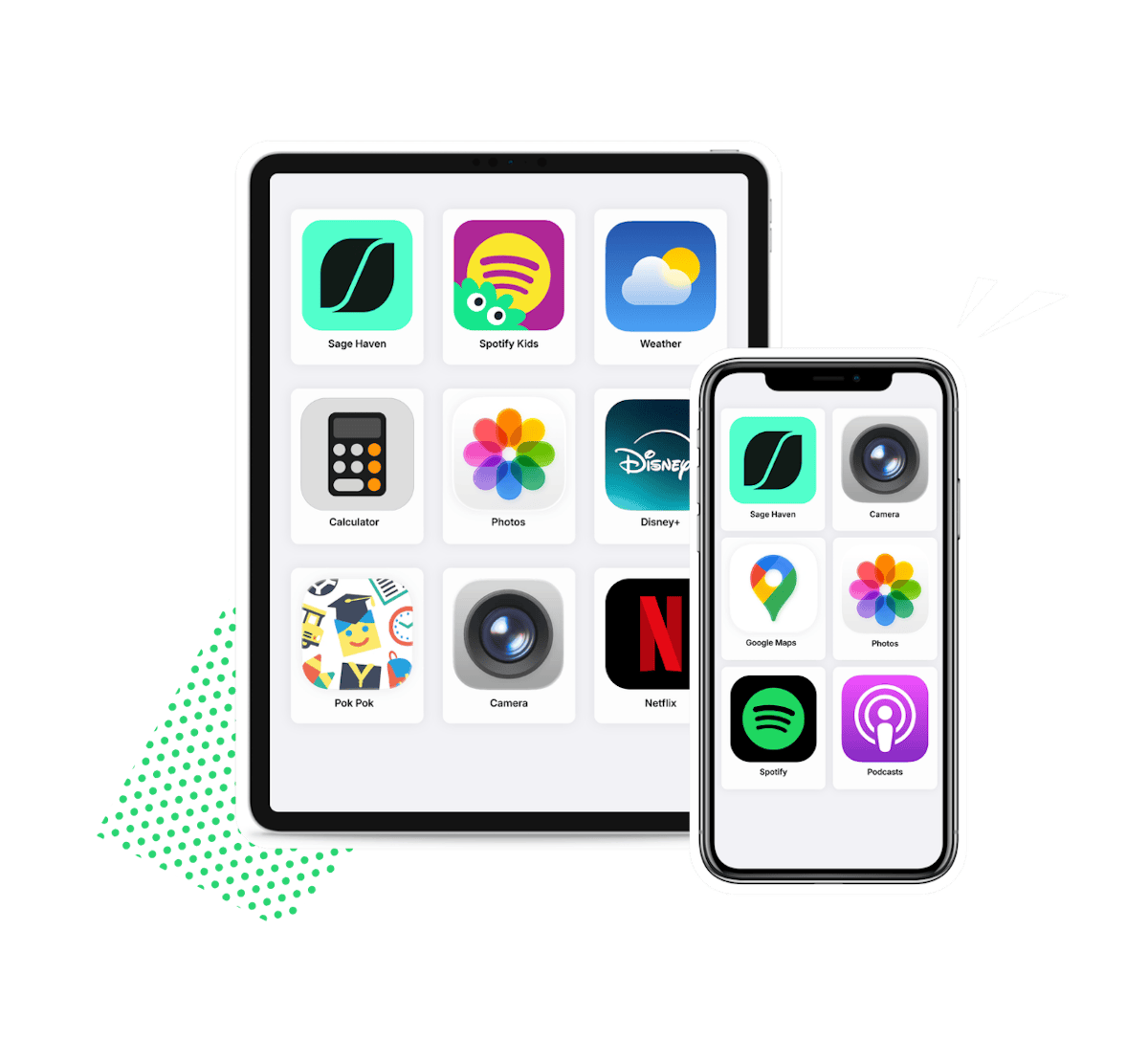
Simplified Apps
Transform your kids' devices into a calm, safe haven with just the apps you want!
Get the App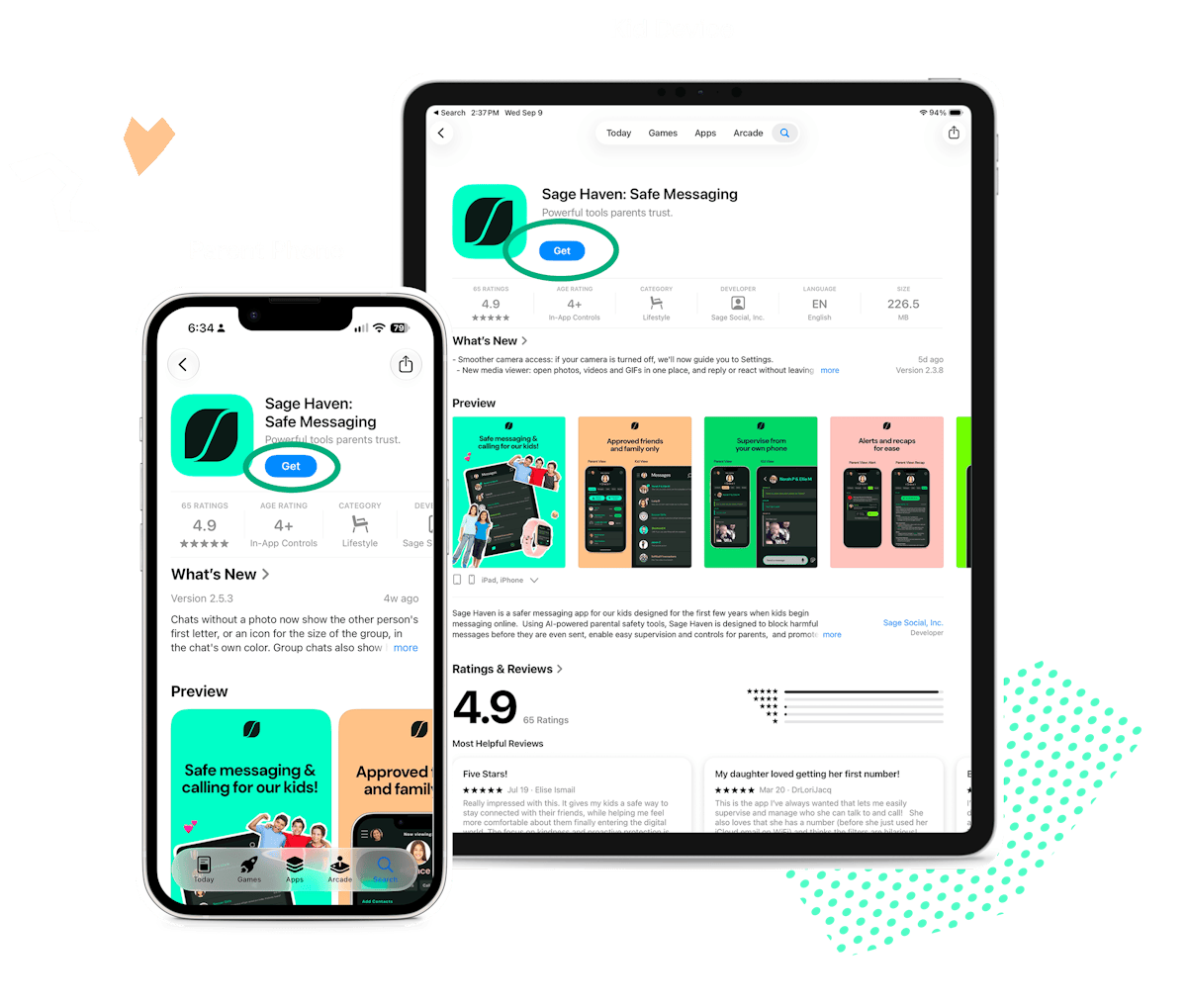
STEP 1
Download the Sage Haven App
Download the app on your phone. Then download it on your kid’s device.
Get the App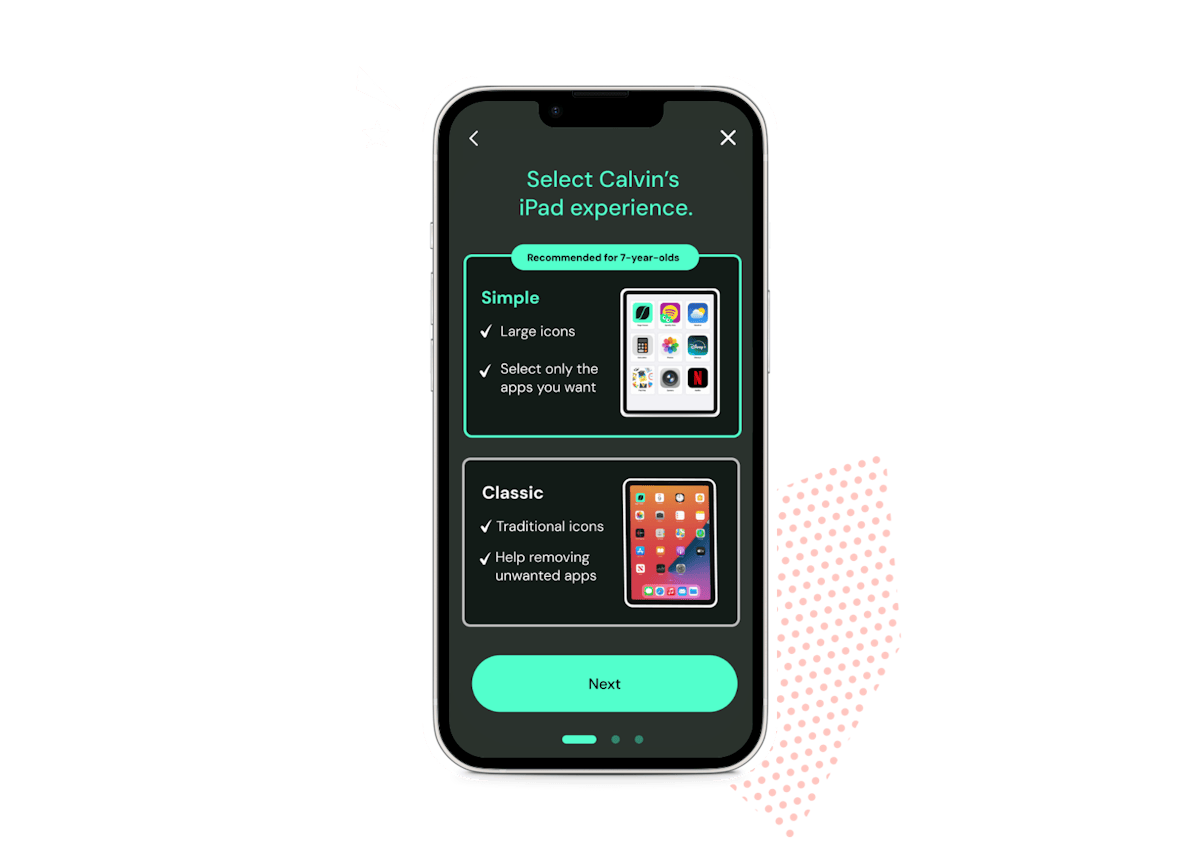
STEP 2
Pick their experience
"Simple" has big icons with just the apps you choose. "Classic" is their familiar home screen minus the apps you don’t want.
STEP 3
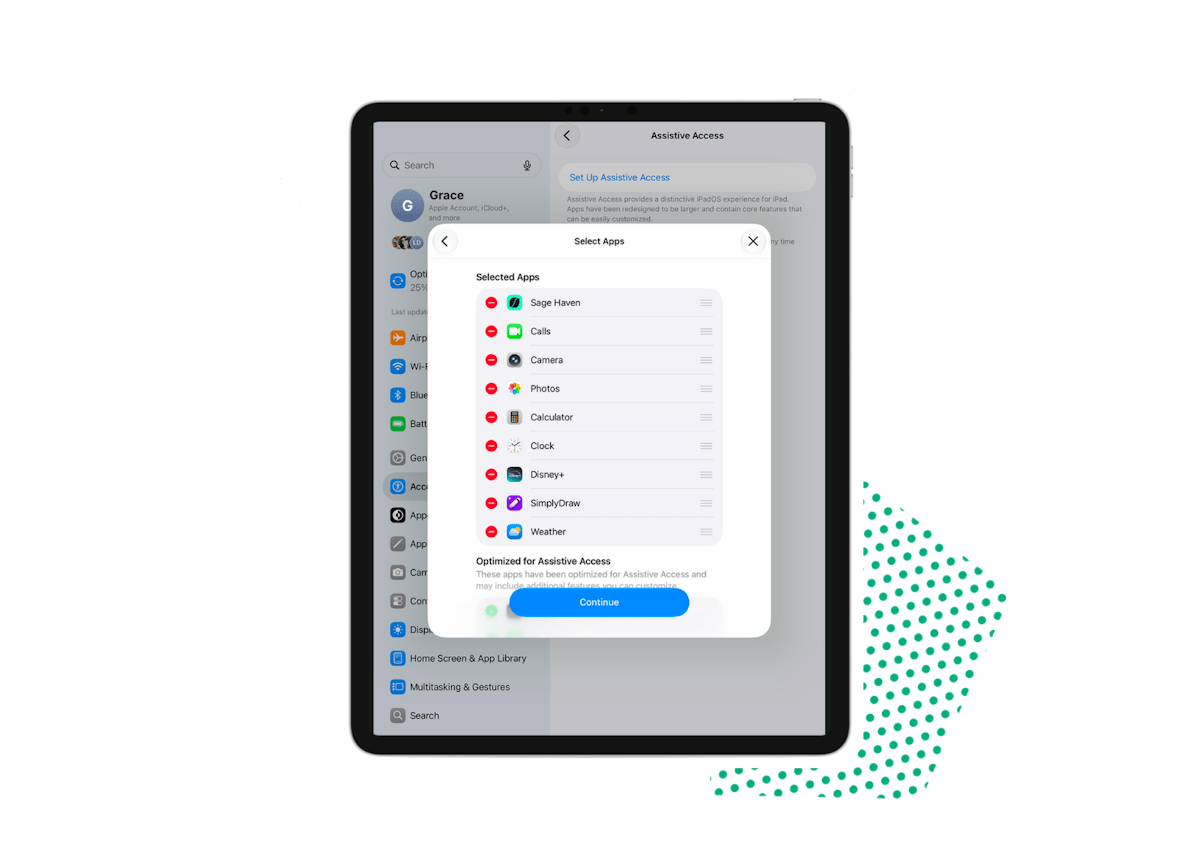
Choose their apps
Keep any apps you want, like Sage Haven, camera, maps, music, and more. Everything else disappears.
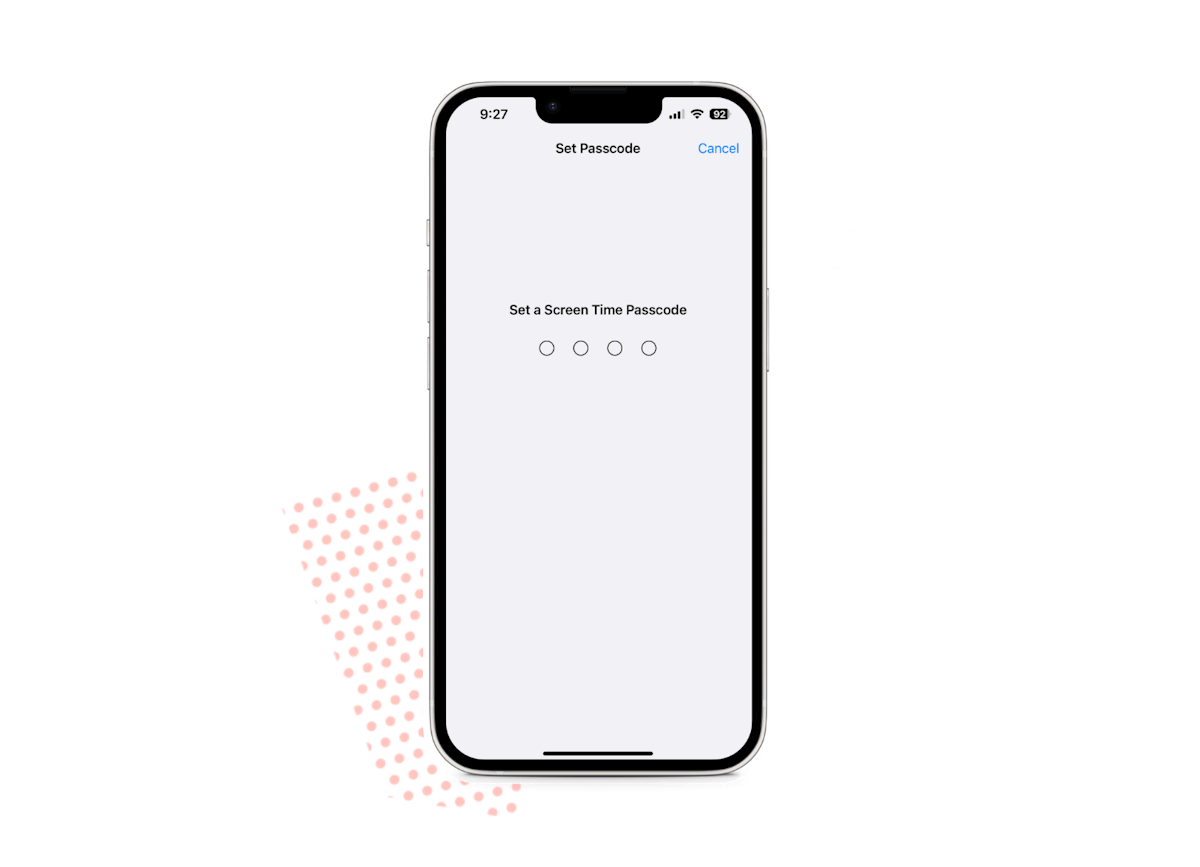
STEP 4
Lock it in
Set up a passcode so only you can make changes. We’ll walk you through every step.